
Dubai is one of the popular destinations across the world where people move for their career, business, education etc. Living in Dubai also requires managing electricity and water bills. No matter, you are a new resident, property owner, tenant or business person, it is essential to understand about the Dubai Electricity and Water Authority (DEWA) billing system. It will help you to manage the monthly expenses in effective manner.
You should know that DEWA provides the electricity and water services to the residents as well as commercial customers across Dubai. In fact, it also provides online service which allows the customers to check bills, clear the payment, download bank statement as well as manage the utility accounts.
If you have moved to Dubai or planning to shift then you need to understand about DEWA Bill Payment in Dubai, how it works, how to check and pay bills etc. So, read the article carefully.
What is DEWA Bill Payment in Dubai?
You need to know that DEWA stands for Dubai Electricity and Water Authority. It is recognized as the Government owned organization which is responsible for supplying electricity and water to homes in Dubai.
This authority was established in 1992 after the merger of electricity and water department of Dubai. The main responsibility of DEWA is to generate, transmit, distribute electricity as well as water throughout the Emirates.
DEWA also provides the online services which has made the management much easier. You can use the website and mobile app for various services which are mentioned below:
- Check the monthly bill of electricity and water.
- Paying the bill online
- Download the payment receipt and bills.
- View the previous payment records.
- Activate the new electricity and water connections.
- Request for service disconnection
- Manage the account information properly
- Report about issues related to electricity and water supply
How to Check DEWA Bill Online in Dubai?
The process to check DEWA bill online is quite simple. You do not need to visit the DEWA office for checking the bill. You can easily check your bill by using the DEWA website or even mobile app.
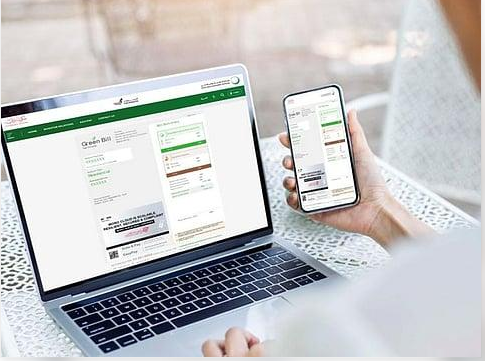
To check the DEWA bill online, follow the given steps:
- Visit the website of DEWA.
- Go to customer account or bill payment option.
- Log in to your account or enter the UAE Pass.
- Choose your utility account.
- Open the current bill
- Check the electricity, water and other bills.
- Check the due date of the payment and outstanding balance.
In fact, you can also make use of payment services of DEWA to pay the bills instantly.
How to Pay Dewa Bills in Dubai?
DEWA also provides various payment options for the customers. Customers can select the payment method or make use of different authorized payment channels. For DEWA Bill Payment in Dubai, you can visit the website or use the smart app.
- Payment through the DEWA Website
The official website of DEWA allows the customers to pay their bills online. To do so, you can:
- Visit the DEWA website
- Choose the bill payment option
- Enter the account details to login the account
- Review the amount which you need to pay
- Select the available payment option
- Complete the transaction
- Save the receipt of payment.
- Payment through the DEWA Smart App
The smart application of DEWA provides access to services related to bills and payment. You can install the app in your smartphone. After login to the account, you can check the outstanding bills and make payment by using several payment options.
- Payment through Banks
There are several banks in UAE which provides DEWA bill payment services by using their banking applications as well as internet banking platforms.
You need to add DEWA as a biller and enter the account details for making the payment.
- Payment through DubaiNow
DubaiNow is yet another digital Government services application which allows the people to access several Dubai services which include utility bill payment.
You can also use the DubaiNow application to manage DEWA Bill Payment in Dubai.
- Payment through Payment Partners
You can also make DEWA payments by using the authorized service providers as well as payment channels. Its availability can depend on the provider and payment method.
You should make sure that transaction gets completed successfully and keep the payment receipt for the future reference.
How to Download DEWA Bill Payment Receipt in Dubai?
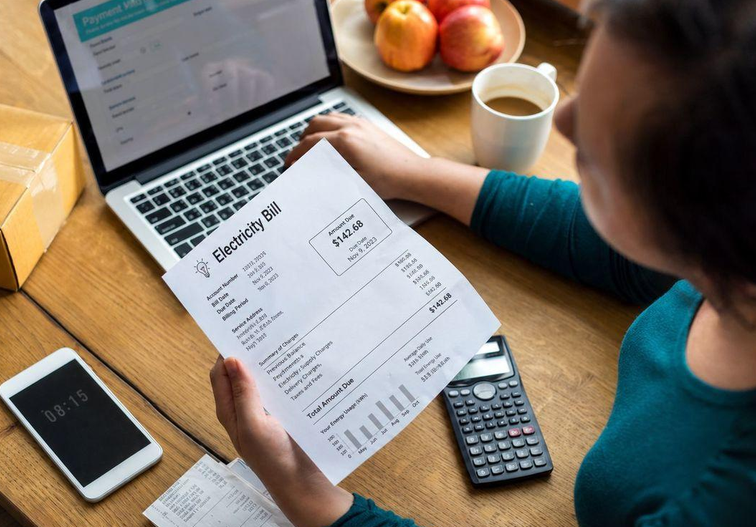
DEWA bill will be useful when you want proof of address, financial records or documents for business purpose. To download DEWA bill receipt, you need to follow the given steps:
- Open the DEWA website.
- Log in to your account.
- Choose the relevant utility account
- Go to billing or statement section.
- Select the month of the bill.
- Click on download option
- Save the bill and download as a PDF.
You can also download the smart application of DEWA to access the billing information.
What is DEWA Bill in Dubai?
You should know that the DEWA bill can include various charges related to water, electricity as well as other applicable services. You can know about the monthly payment changes by understanding these components. The important ones are mentioned below:
- Electricity Consumption Charge
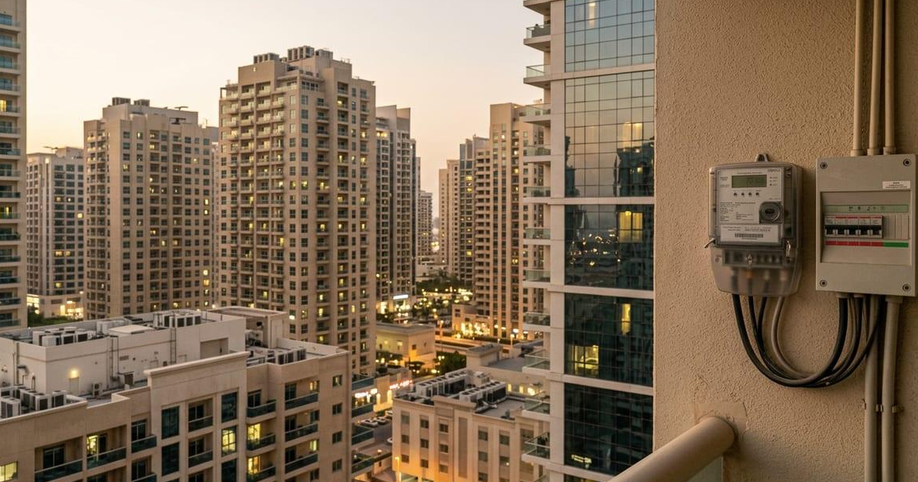
This charge will depend on how much electricity you are using at your home. The electricity consumption can affect by the use of Air Condition, Lights, Kitchen appliances and other electronic equipment.
- Water Consumption Charge
Water charges are mainly calculated based on the uses of water at your property.
- Housing Fee
The housing fee of Dubai Municipality will also be connected through DEWA bills. For tenants, the fee is calculated at 5% at the annual rental value which is subject to applicable rules and assessment.
- Sewerage Charges
The Sewerage charges will also appear on your utility bill.
- VAT
The Value Added Tax may be apply to taxable services and charges. The total amount can depend on the property type, consumption, applicable fees as well as billing period.
What is the Tariff of DEWAL Electricity and Water in Dubai?
DEWA makes use of consumption based billing system. It means that the electricity and water charges can depend on how much you use during the billing period.
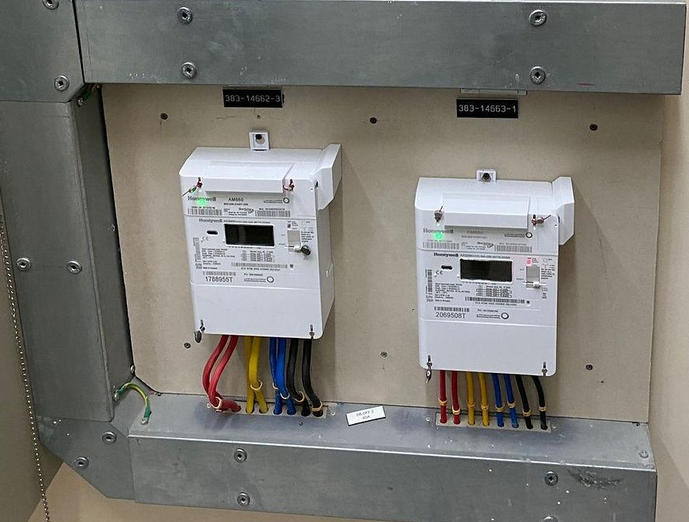
You should know that electricity consumption is charged according to the consumption slabs for the residential customers. If your usage moves to higher slab then the applicable rate will also be increased.
The structure of Electricity tariff is given below:
- First 2,000 kWh – 23 fils
- Next 2,000 kWh – 28 fils
- Next 2,000 kWh – 32 fils
- Above 6,000 kWh – 38 fils
Water consumption is also calculated by different consumption slabs. The tariff will also depend on the property category as well as consumption level.
The final bill will include consumption charge, housing fees, sewerage charge, fuel surcharge as well as VAT where applicable.
How to Activate DEWA services to a new home?
If you are planning to move into a new apartment in Dubai then you need to activate the electricity and water arrangement.
The DEWA move-in process is connected with EJARI registration for the tenants. After the registration of tenancy contract, DEWA will receive the required information and creates your utility account. The complete process is given below:
- Complete your tenancy agreement as well as Ejari registration.
- Receive the welcome notification from DEWA.
- Check your new contract account number.
- Pay the security deposit and activation charges.
- Now, wait for the water and electricity services to get activated.
The residential security deposit charge is:
- Apartment: AED 2,000
- Villa: AED 4,000
According to DEWA, the supply will be connected within 15 hours after payment of activation charge and security deposit.
The property owners and customers of free zones are required to submit their move-in application separately by using the digital channel of DEWA.
How to Disconnect DEWA services when moving out?
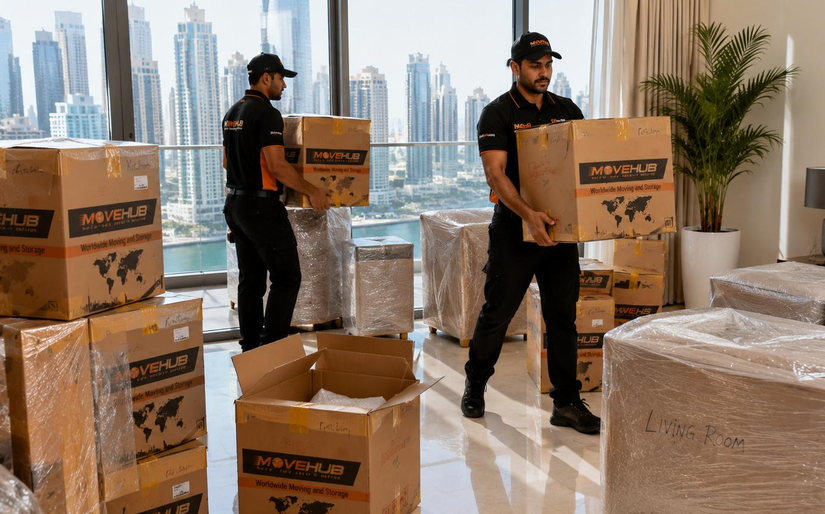
If you are leaving your apartment or villa then you need to request for disconnection of DEWA service. It is extremely important as you will be responsible for applicable utility charges even after moving out. You are advised to submit a move-out request using the DEWA website and smart application. To do so, follow the given steps:
- Log in to your account
- Choose the relevant contract account
- Select the move-out service
- Enter your moving date and time
- Choose your preferred security deposit refund method
- Pay the outstanding amount.
- Finally, submit your request
After receiving the request, DEWA will check the final meter reading and prepare the final bill. The remaining security deposit will be adjusted against the final amount. The remaining balance will be refunded by using the selected method.
You will also get a clearance certificate after the settlement of final bill.
Final Thoughts:
DEWA Bill Payment in Dubai is convenient as customers will be able to manage their electricity and water accounts by using the online services as well as mobile smart app.
No matter, you are a new resident, property owner or even tenant, it is important to understand about the DEWA billing system. It will help you to manage the monthly expenses and avoid the payment related problems.
Users can also check and pay their bills as well as download the statements. It becomes much easier to manage the utility connection even without visiting a service center.